

Single Pass Robotic EOAT
Multi-surface prints in single cycle on 3-dimension objects with a multi-directional print head which can jet ink up to 17mm away from target.

Lorem Ipsum Dolor Sit Amet
Lorem Ipsum Dolor Sit Amet
Lorem Ipsum Dolor Sit Amet
Lorem Ipsum Dolor Sit Amet

Meet the Series
XDR EOAT Direct-to-Object Digital UV Industrial Automated Single Pass Inkjet Printer
The XDR is a compact, automation-ready End-of-Arm Tool (EOAT) redefining what’s possible in 3D industrial printing.
Designed to print on complex, multi-surface 3D parts in a single cycle, the XDR’s multi-directional printhead can jet ink up to 17mm away from the target surface — even into zones traditionally out of reach for inkjet technology.
From custom branding to critical part labeling, the XDR brings true spherical, multi-angle inkjet printing to your production line — all while reducing overhead, space requirements, and tooling investment.
The XDR is not just an upgrade — it’s the new era in dimensional inkjet automation.
Features
Revolutionize Your Industrial Printing with the XDR
Multi-surface prints in single cycle on 3-dimension objects with a multi-directional print head which can jet ink up to 17mm away from target.Multi-surface prints in single cycle on 3-dimension objects with a multi-directional print head which can jet ink up to 17mm away from target.
See it in Action
Explore real-world use cases across materials, shapes, and production requirements—and discover how EPS technology delivers consistency, quality, and durability for complex applications.


Models in this Series
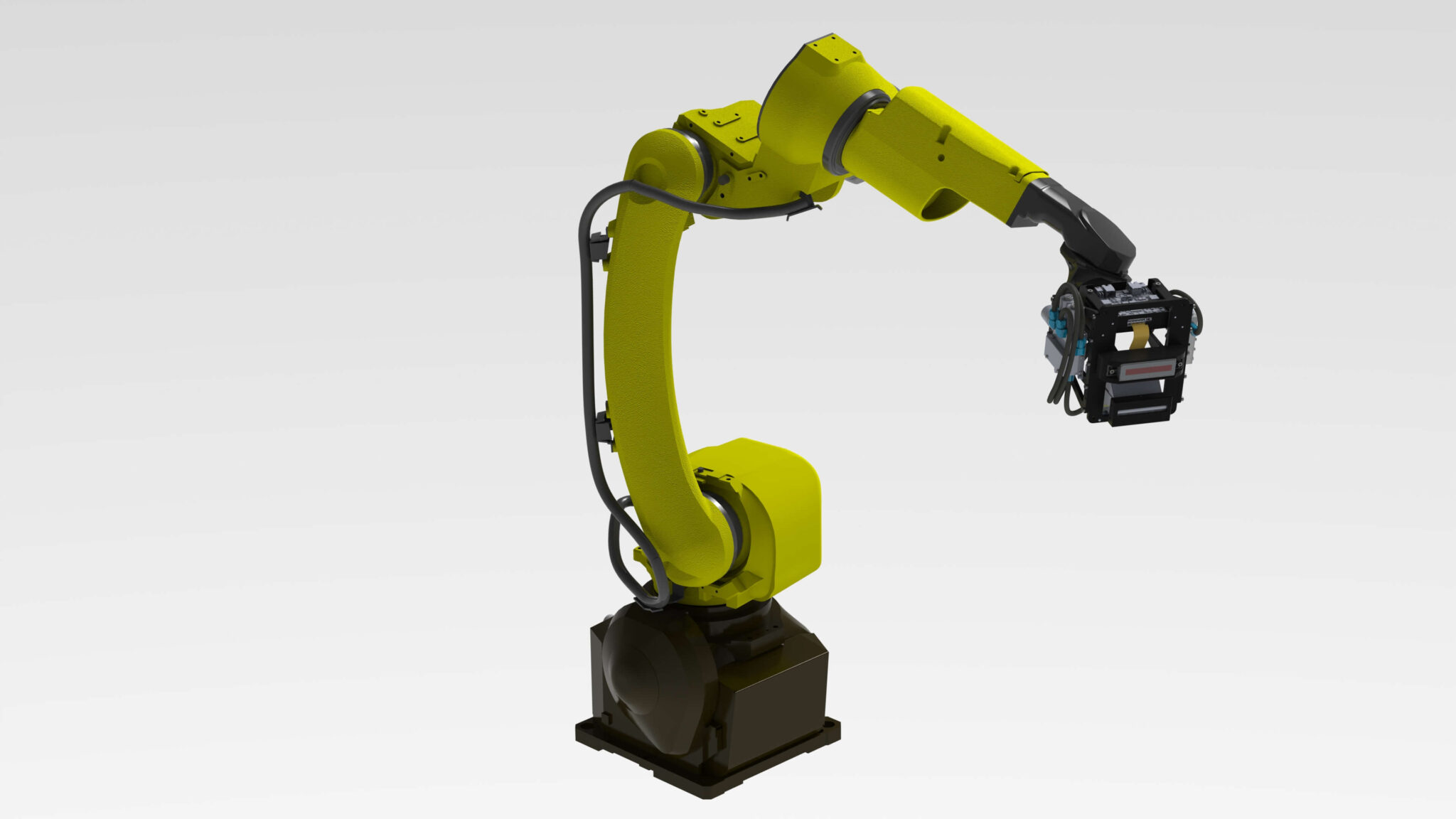
EOAT Direct-to-Object Digital UV Industrial Automated Single Pass Inkjet Printer
Multi-surface prints in single cycle on 3-dimension objects with a multi-directional print head which can jet ink up to 17mm away from targetStandard Features
- 70mm, 140mm and 210mm print width, infinite length.
- 360dpi, single pass, grayscale.
- Max robot reach of 3 meters.
- Fanuc industrial robot.
- Print speeds up to 6in/s on curved or large surfaces.
- Liquid UV curable inks.
- Self-contained ink system with bulk refill.
- Built in distance/object detection.
- Job & Print Queue Management for local and remote diagnostics.
- Beckhoff Industrial PC with standard HMI interface.
- Remote customer interface.
- Typical Power Requirements: 240VAC, 50/60Hz, 3 phase, 20A.
Options
- Second color option.
- 2D and 3D iRVision for positioning and verification
- Variable data for lot/date codes, etc.
Model Specifications
|
Model |
Lorem Ipsum Specification |
Lorem Ipsum Specification |
Lorem Ipsum Specification |
|---|---|---|---|
|
XD-70 |
Lorem Ipsum |
Lorem Ipsum |
Lorem Ipsum |
|
XD-180 |
Lorem Ipsum |
Lorem Ipsum |
Lorem Ipsum |
|
XD-140 |
Lorem Ipsum |
Lorem Ipsum |
Lorem Ipsum |
|
XD-360° |
Lorem Ipsum |
Lorem Ipsum |
Lorem Ipsum |
Related Equipment & Supplies
EPS supplies more than just equipment. We provide essential accessories and consumables that can be purchased with your printer or after installation to support ongoing production and evolving needs. Contact our Customer Service Team for support!
Accessories
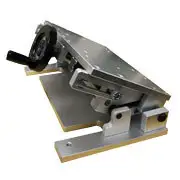
Adjustable Base Fixture

Bowl Feeders

BR35M
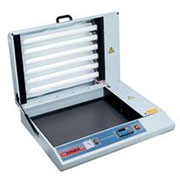
BR50M
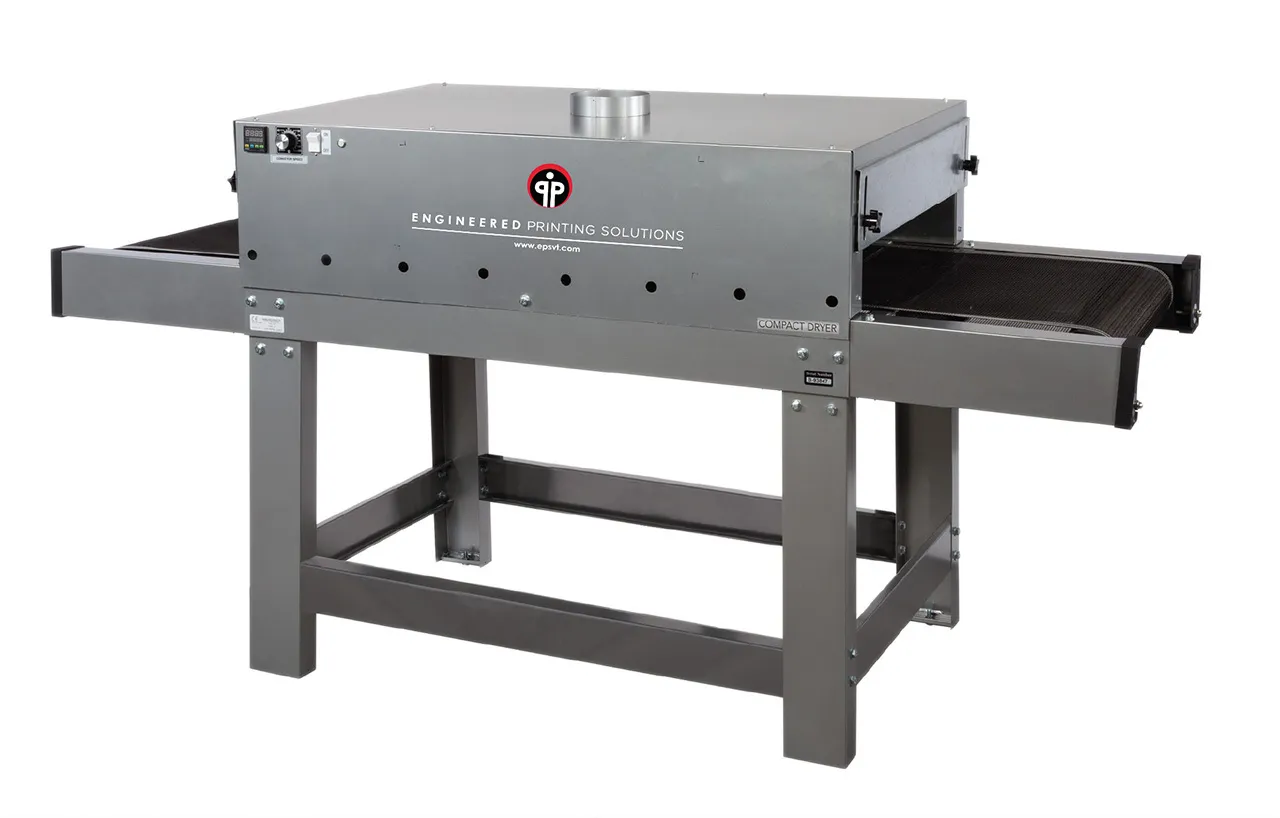
CD-11208

CNC Automation
Digital Printer Consumables
No posts
More Than a Machine—A Full System Solution
Customization & Innovation
EPS specializes in providing precision-engineered printing solutions that cater to a range of industries with complex, custom printing needs.
Quality & reliability
EPS is focused on delivering high-quality, reliable printing solutions, emphasizing attention to detail and robust technology.
Customer-Centric Approach
We aim to provide tailored solutions and a high level of customer support to ensure the best outcomes for clients.
Client Case Studies
“When we bring new projects to the EPS team, we are confident that the appropriate process will be identified and validated through testing. We will have the resources available to properly quote the job, define the process and communicate effectively with our customer.”

product Support
Frequently Asked Questions
Have questions you’re looking to get answers to? Our team of experts is here to ensure your success!